 FocusHound
Block apps. Scroll less.
Stay focused, sleep on time, and get your life back.

- Built on Apple’s Screen Time
- No account needed
- For iPhone
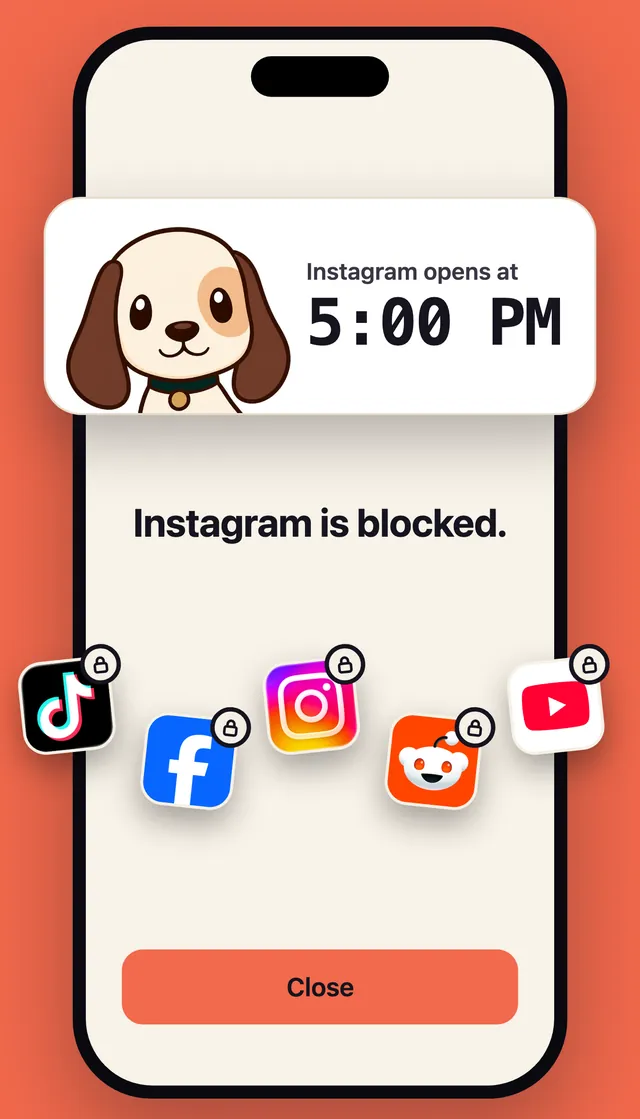
What blocking does
5 h 14 m2 h 41 m
Phone time a day, before and during two weeks of blocking, in a 2025 study.
How it works
-
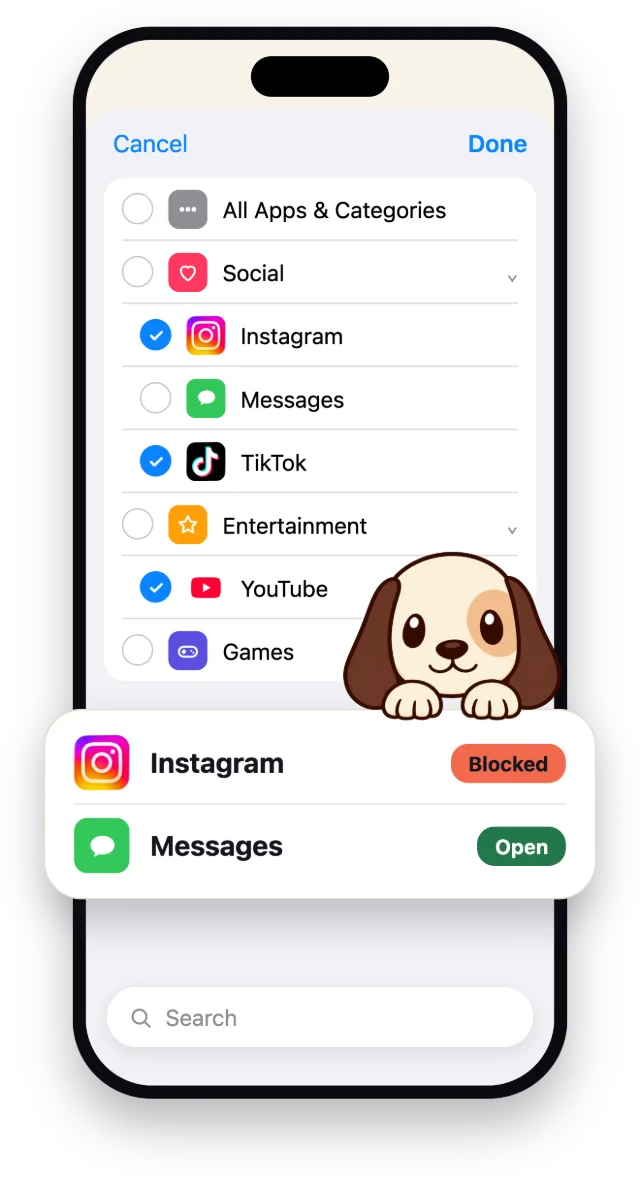
Your apps. Your choice.
Pick the apps that pull you in. Keep the ones you need.
-
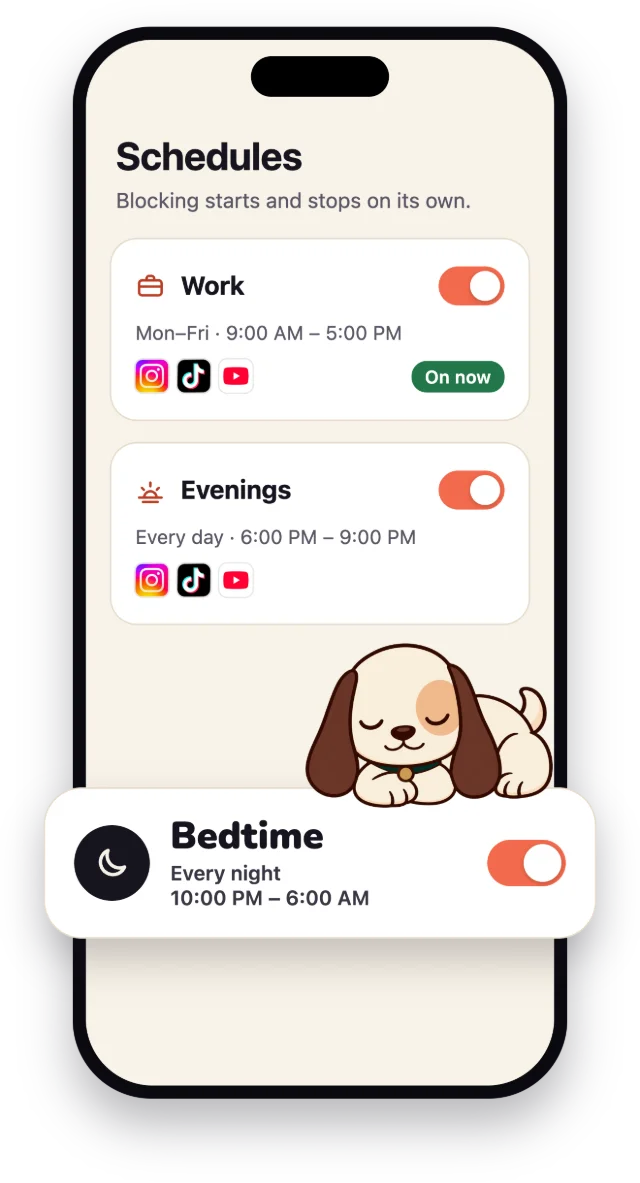
Automatic schedules.
Blocking starts and stops on its own.
-
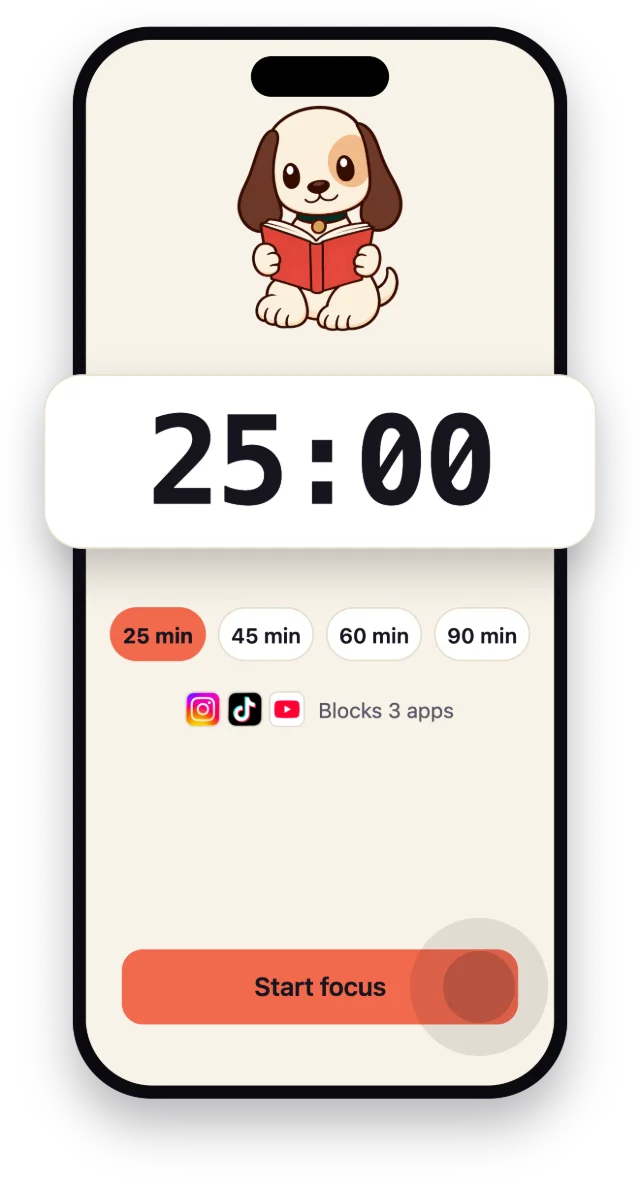
One-tap focus.
Need to focus now? Start a session for 25, 45, 60 or 90 minutes.
-
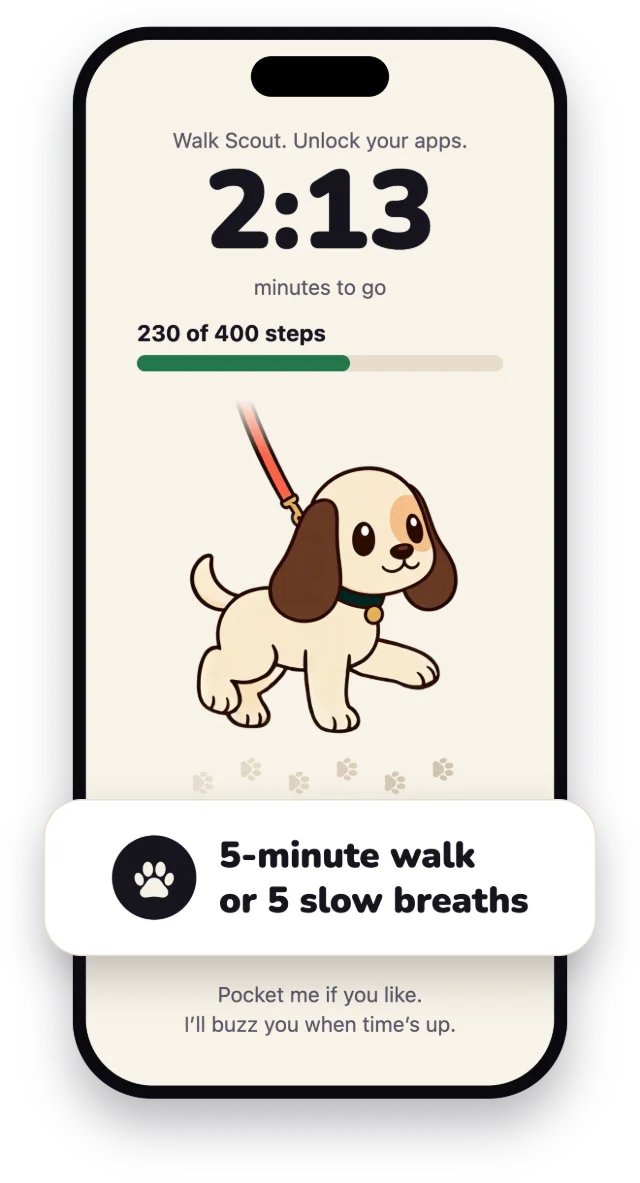
Walk or breathe to unlock.
Need a break during a schedule? Walk Scout or take five slow breaths.
Strict when you need it.
For the times you want no way out: a Strict schedule or focus session runs to the end, with no breaks and no switching it off.
Strict schedules come with one emergency pass a week.

Why I built it
I used to lose hours to my phone every week, scrolling whenever work got hard and before falling asleep.
I wasn’t sleeping well because I never wound down properly. I’d stay up late scrolling, then feel groggy and tired the whole next day.
I wanted a blocker that helped me get to sleep on time and stopped me from mindlessly opening my apps. So I built FocusHound, and added a fun little dog to guard the apps.
Nic, maker of FocusHound
Questions
Does it work when FocusHound is closed?
Yes. FocusHound runs on Apple’s Screen Time, so your apps stay locked even when FocusHound is closed.
Can I just turn it off?
Yes. Walk or breathe with Scout, and you can turn blocking off. With Strict on, you can’t turn off blocking or delete the app until your focus session or schedule ends.
How is it different from Screen Time limits?
A Screen Time limit counts your minutes in an app. FocusHound blocks by the clock: on the schedules you set, or for a focus session you start.
Who is Scout?
Your hound. He guards the apps you pick, keeps you company while you focus, and celebrates when you finish. You can give him another name.
What stays private?
Your list of blocked apps is 100% secure and never leaves your phone. You also don’t need an account to use the app.

Block the apps you keep opening.
Download for iPhoneOpens the App Store.
Guides for less scrolling
Step-by-step help for work hours and bedtime.